# Img2VecCosSim-Django-Pytorch
**Repository Path**: dyjch/Img2VecCosSim-Django-Pytorch
## Basic Information
- **Project Name**: Img2VecCosSim-Django-Pytorch
- **Description**: No description available
- **Primary Language**: Unknown
- **License**: GPL-3.0
- **Default Branch**: master
- **Homepage**: None
- **GVP Project**: No
## Statistics
- **Stars**: 1
- **Forks**: 0
- **Created**: 2021-02-20
- **Last Updated**: 2021-11-11
## Categories & Tags
**Categories**: Uncategorized
**Tags**: None
## README
# Img2VecCosSim-Django-Pytorch
[](http://hits.dwyl.com/MexsonFernandes/Img2VecCosSim-Django-Pytorch)
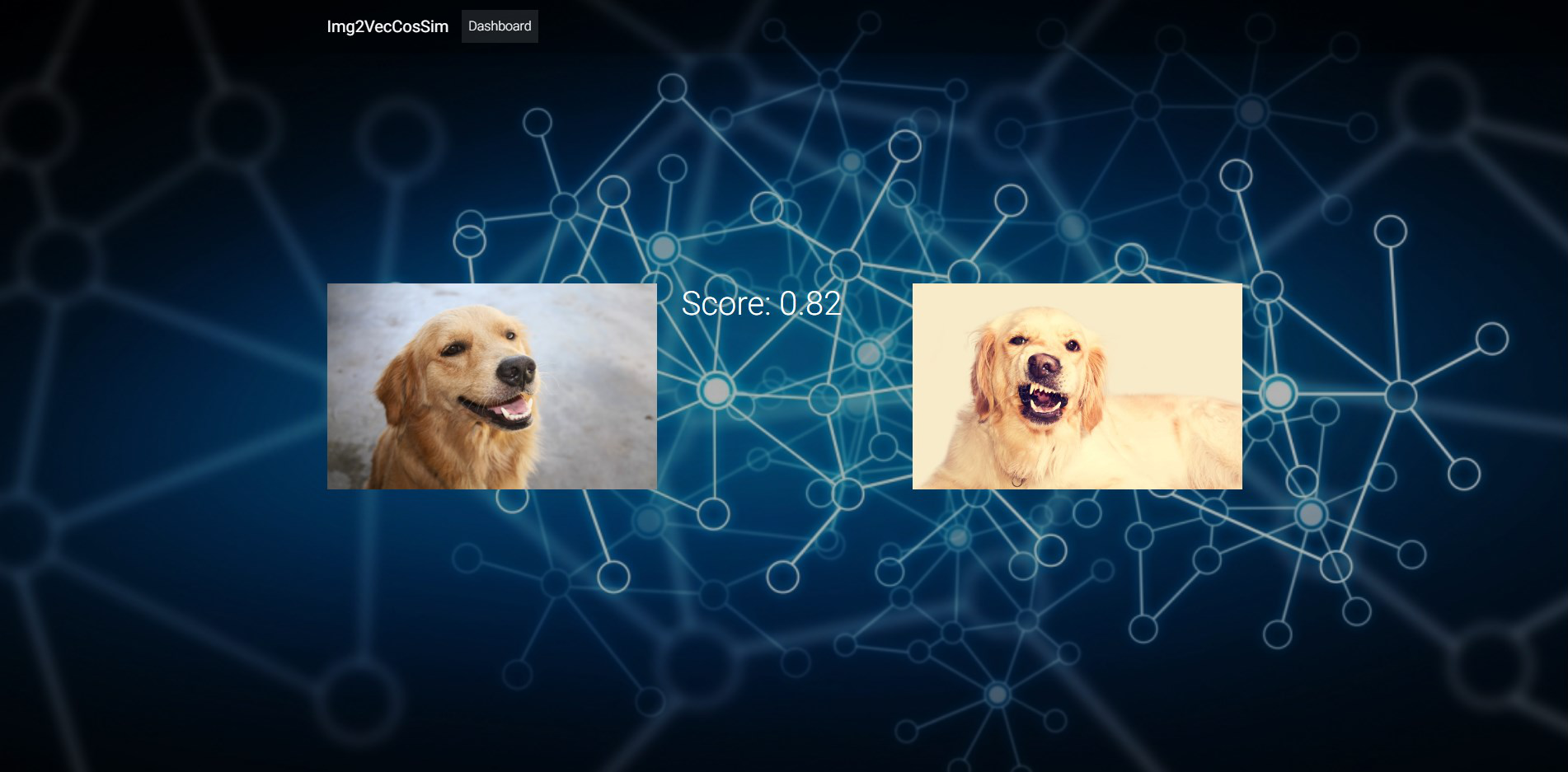
Extract a feature vector for any image and find the cosine similarity for comparison using Pytorch. I have used ResNet-18 to extract the feature vector of images. Finally a Django app is developed to input two images and to find the cosine similarity.
 #### Packages:
- Pytorch
- Django 2.0
#### Credits:
- Inspired from Medium post by Christian Safka
#### How to start:
* Clone repository
`git clone https://github.com/MexsonFernandes/Img2VecCosSim-Django-Pytorch`
* Change directory
`cd Img2VecCosSim-Django-Pytorch`
* Install virtual environment
`pipenv install`
* Install all dependencies
`pipenv install -r requirements.txt` or `pip install -r requirements.txt`
* Start django server
`python manage.py runserver`
#### Showcase:
*Dashboard*

---
*Example Comparison*
#### Packages:
- Pytorch
- Django 2.0
#### Credits:
- Inspired from Medium post by Christian Safka
#### How to start:
* Clone repository
`git clone https://github.com/MexsonFernandes/Img2VecCosSim-Django-Pytorch`
* Change directory
`cd Img2VecCosSim-Django-Pytorch`
* Install virtual environment
`pipenv install`
* Install all dependencies
`pipenv install -r requirements.txt` or `pip install -r requirements.txt`
* Start django server
`python manage.py runserver`
#### Showcase:
*Dashboard*

---
*Example Comparison*
