# koodo-reader
**Repository Path**: codecopy/koodo-reader
## Basic Information
- **Project Name**: koodo-reader
- **Description**: 跨平台的电子书阅读器,平台支持Windows,macOS,Linux 和网页版,格式支持 epub, pdf, mobi, azw3, txt, djvu, markdown, fb2, cbz, cbt, cbr, rtf 和 docx
- **Primary Language**: JavaScript
- **License**: AGPL-3.0
- **Default Branch**: master
- **Homepage**: https://koodo.960960.xyz/
- **GVP Project**: No
## Statistics
- **Stars**: 0
- **Forks**: 39
- **Created**: 2021-09-13
- **Last Updated**: 2021-09-13
## Categories & Tags
**Categories**: Uncategorized
**Tags**: None
## README
[简体中文](https://github.com/troyeguo/koodo-reader/blob/master/README_cn.md) | English
Koodo Reader
A cross-platform ebook reader
[Download](https://koodo.960960.xyz/download) | [Preview](https://koodo-reader.vercel.app/) | [Feedback](https://koodo.960960.xyz/support) | [Document](https://www.notion.so/troyeguo/01aaa516687c418499f713d34793b9ad?v=54d51fe1688a4f8ab5784b17e4df3308)
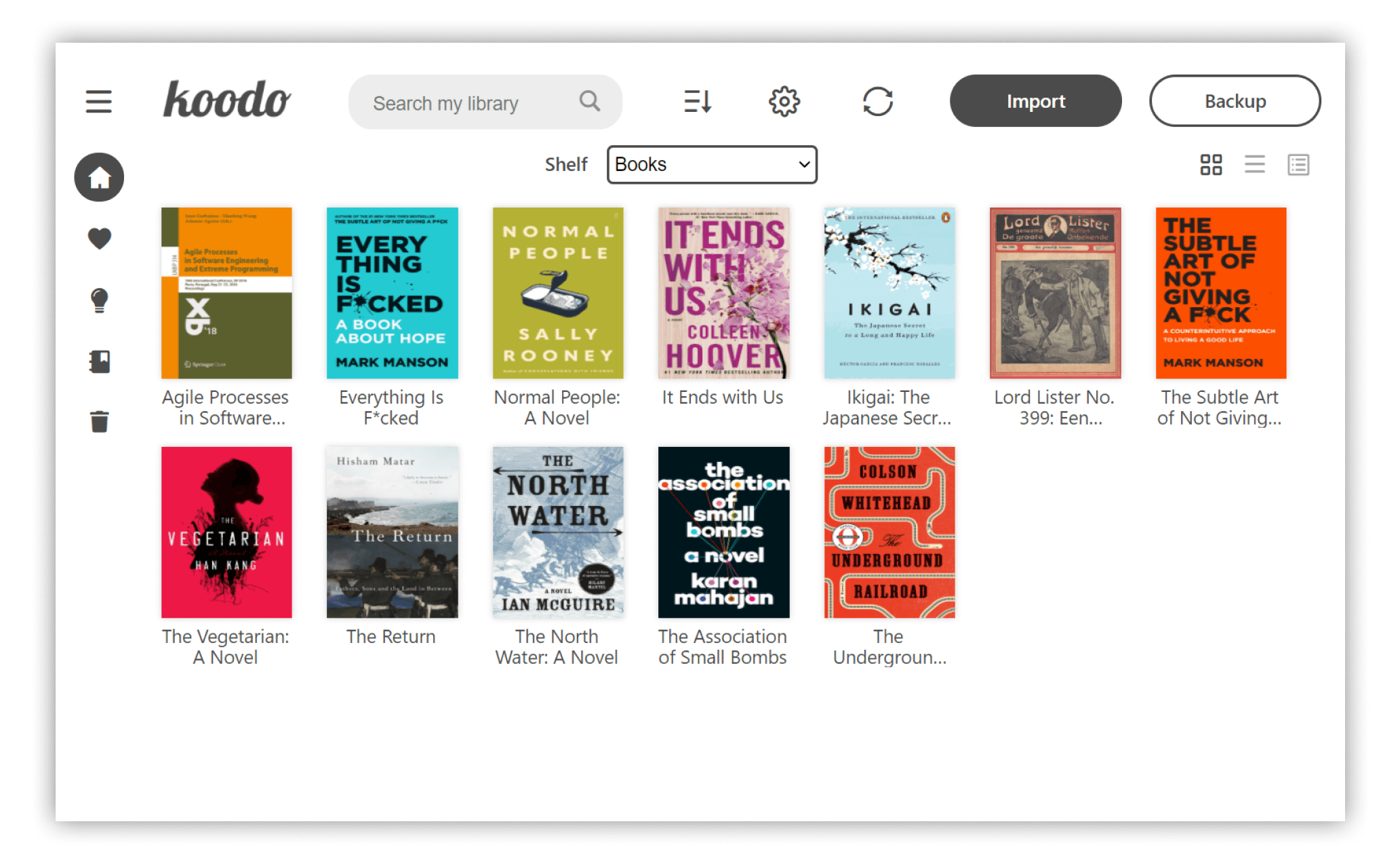
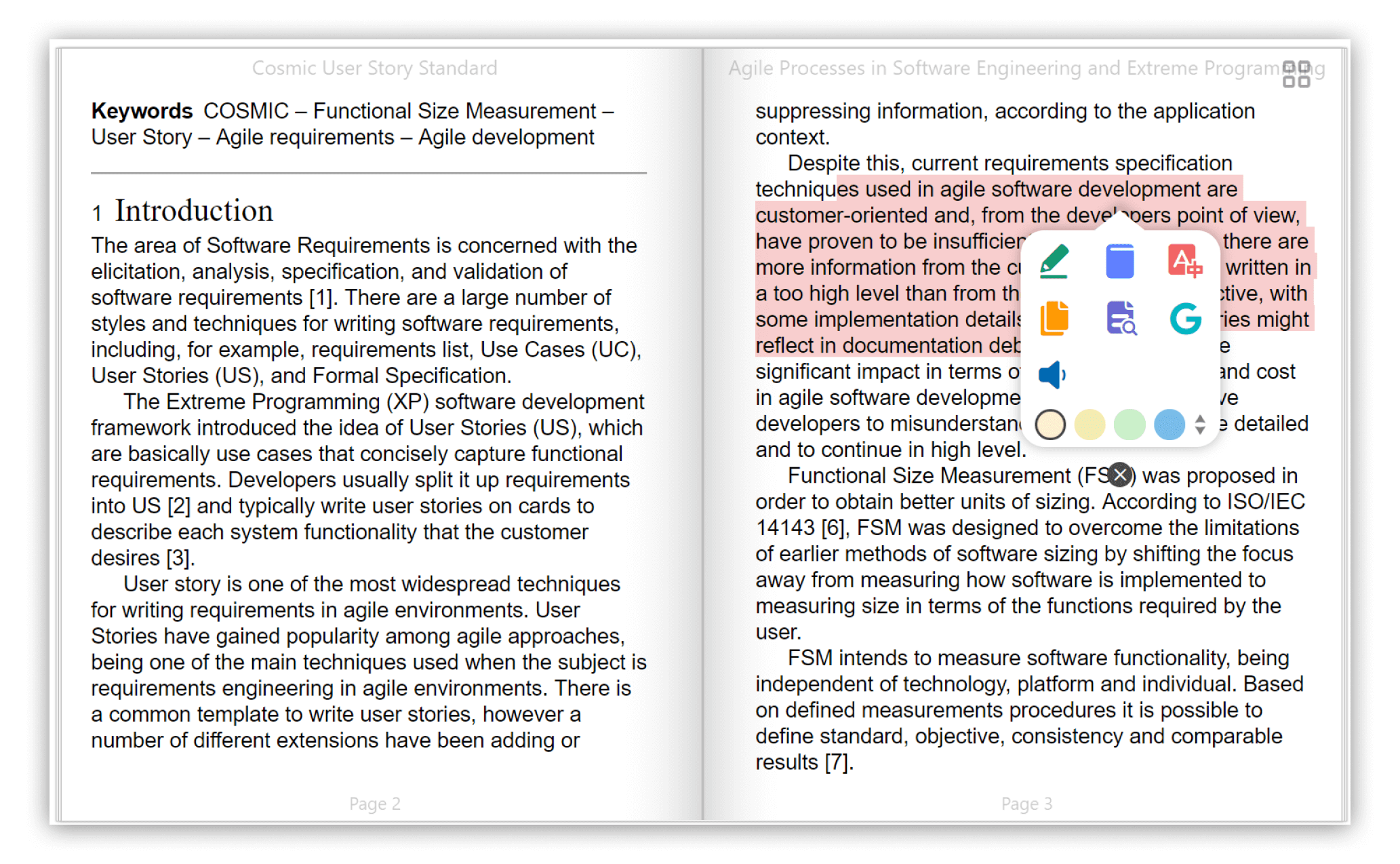
## Preview
## Feature
- Format support:
- EPUB (**.epub**)
- Scanned document (**.pdf**, **.djvu**)
- Kindle (**.azw3**) and Mobipocket (**.mobi**)
- Plain text (**.txt**)
- FictionBook (**.fb2**)
- Comic book archive (**.cbr**, **.cbz**, **.cbt**)
- Rich text (**.md**, **.docx**, **.rtf**)
- Hyper Text (**.html**, **.xml**)
- Platform support: **Windows** , **macOS**, **Linux** and **Web**
- Save your data to **Dropbox** or **Webdav**
- Customize the source folder and synchronize among multiple devices using OneDrive, iCloud, Dropbox, etc.
- Single-column, two-column, or continuous scrolling layouts
- Text-to-speech, translation, progress slider, touch screen support, batch import
- Add bookmarks, notes, highlights to your books
- Adjust font size, font family, line-spacing, paragraph spacing, background color, text color, margins, and brightness
- Night mode and theme color
- Text highlight, underline, boldness, italics and shadow
## Installation
- Desktop Version:
- Stable Version (Recommended): [Download](https://koodo.960960.xyz/download)
- Developer Version: [Download](https://github.com/troyeguo/koodo-reader/releases/latest) ( With new feature and bug fix, but may induce some unknown bugs)
- Web Version:[Preview](https://koodo-reader.vercel.app/)
- Install with Homebrew:
```shell
brew install --cask koodo-reader
```
- Install with Docker:
```bash
docker-compose up -d
```
## Screenshot
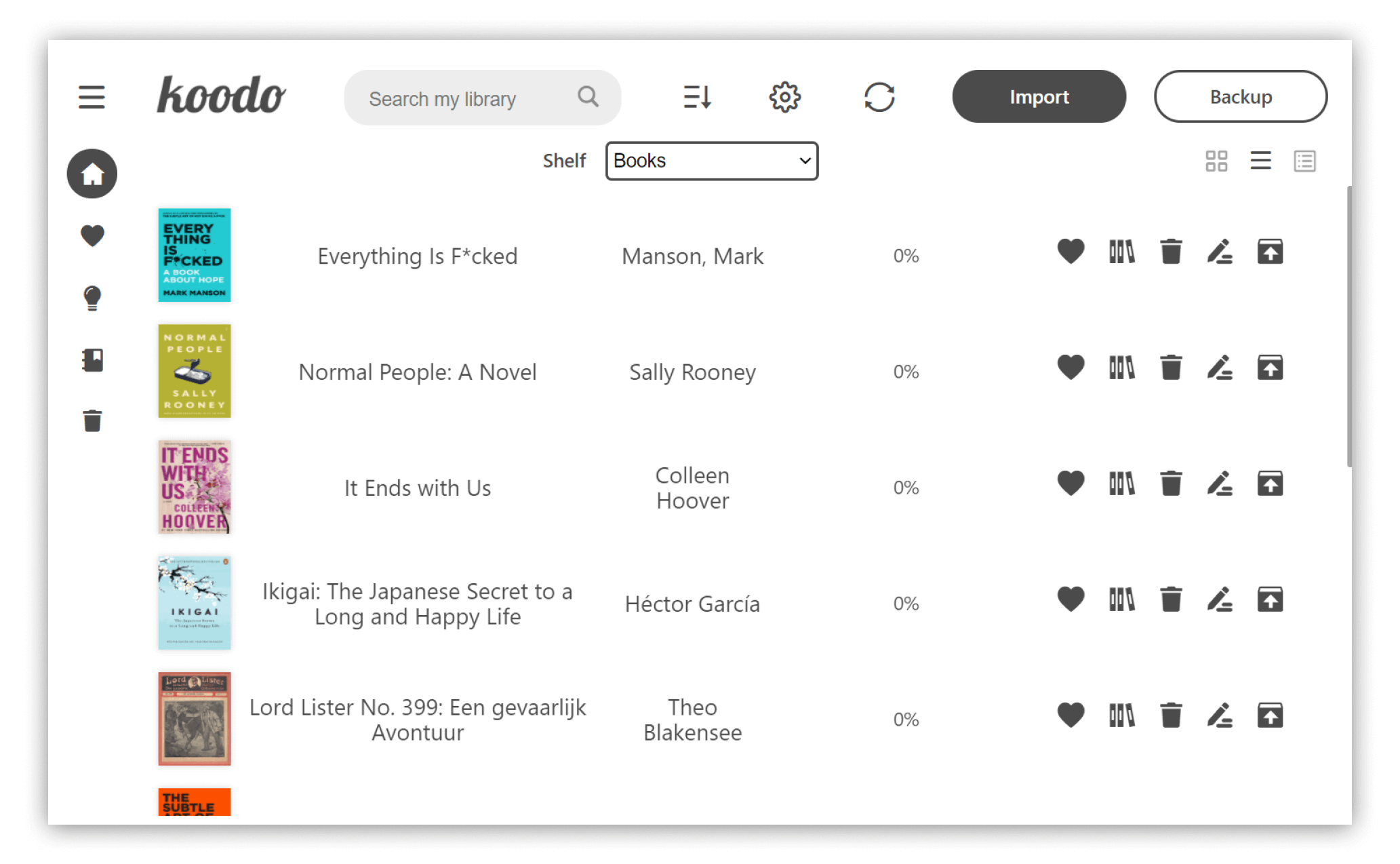
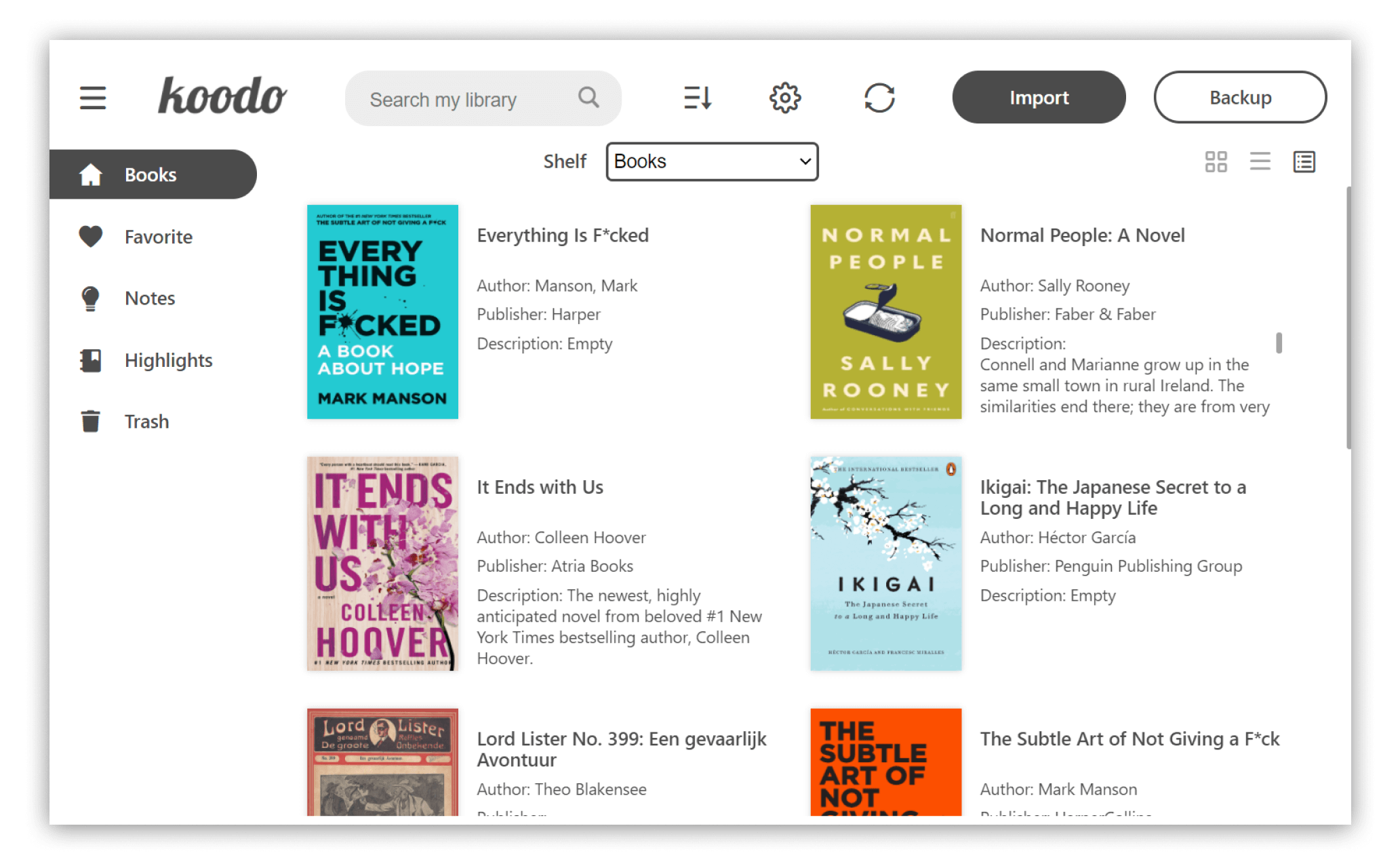
List mode
 Cover mode
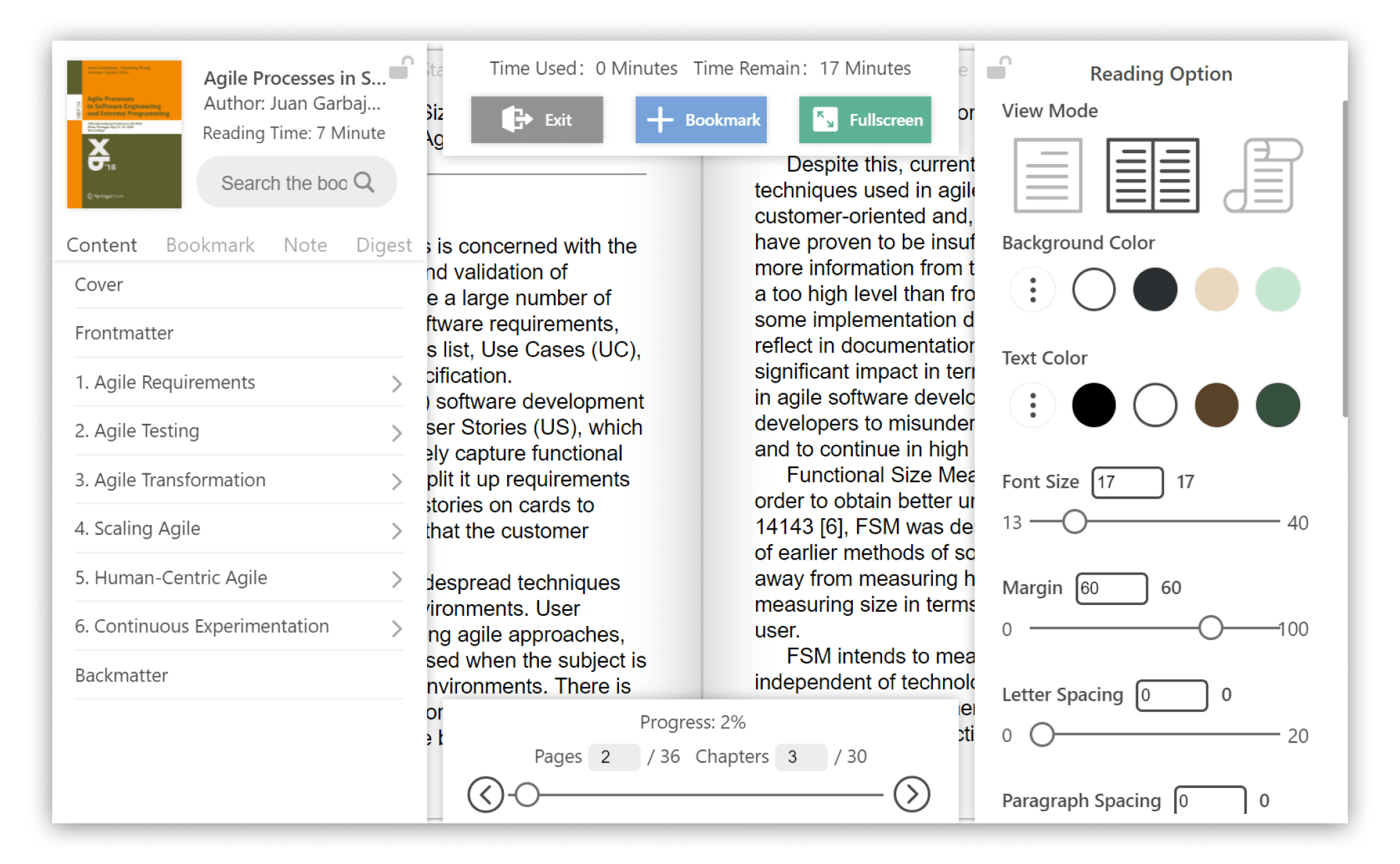
 Reader menu
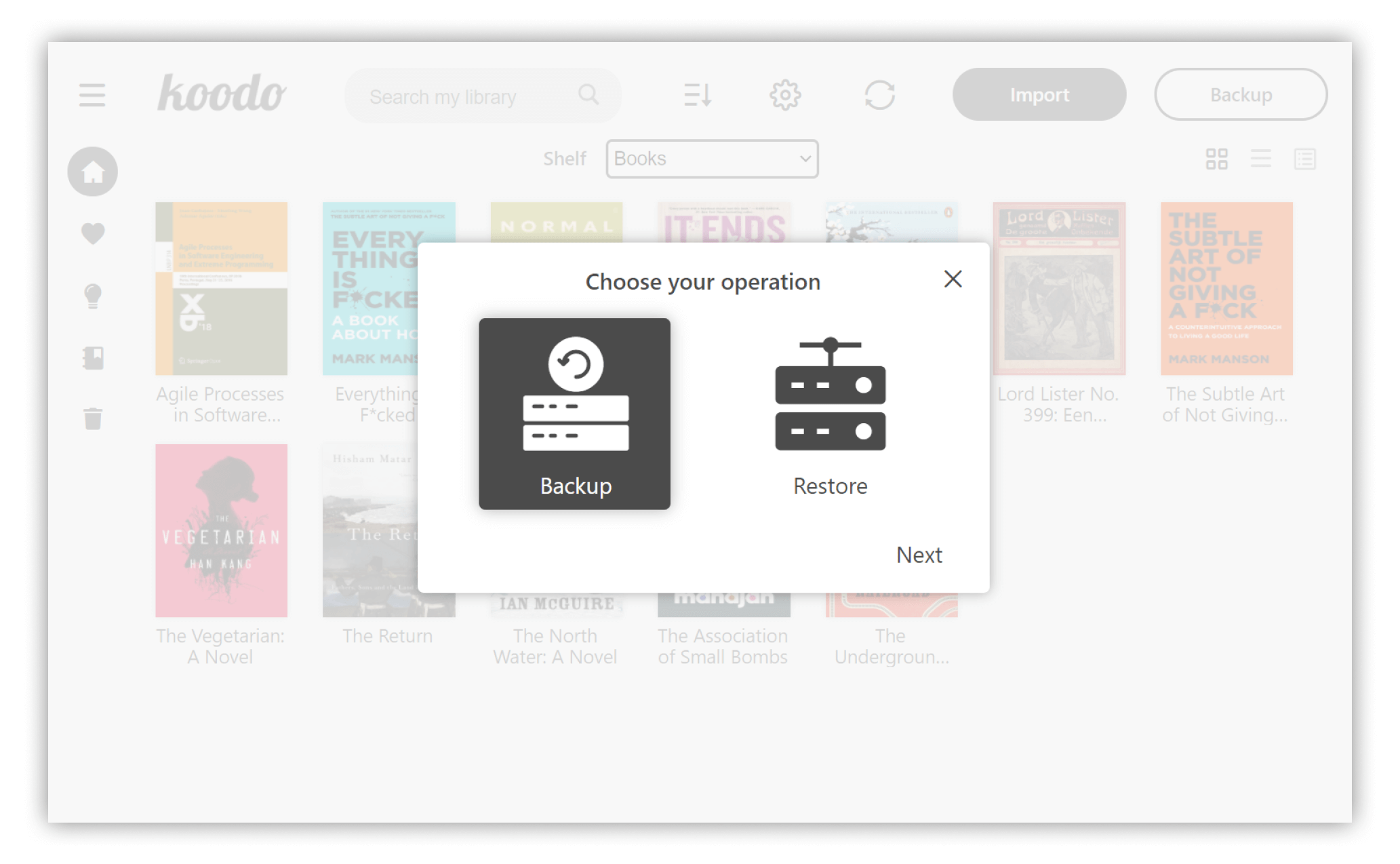
 Backup and restore
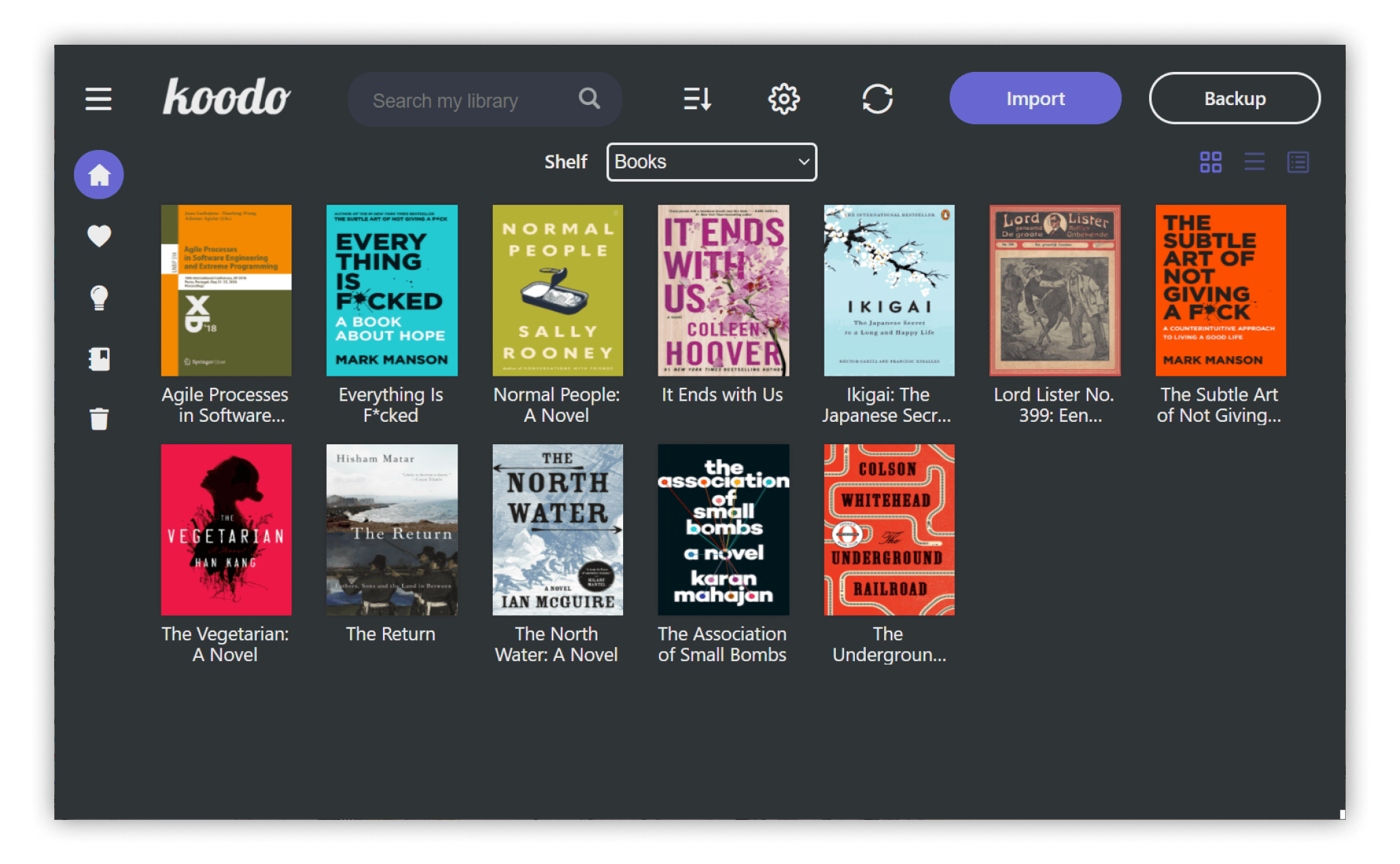
 Dark mode and theme color
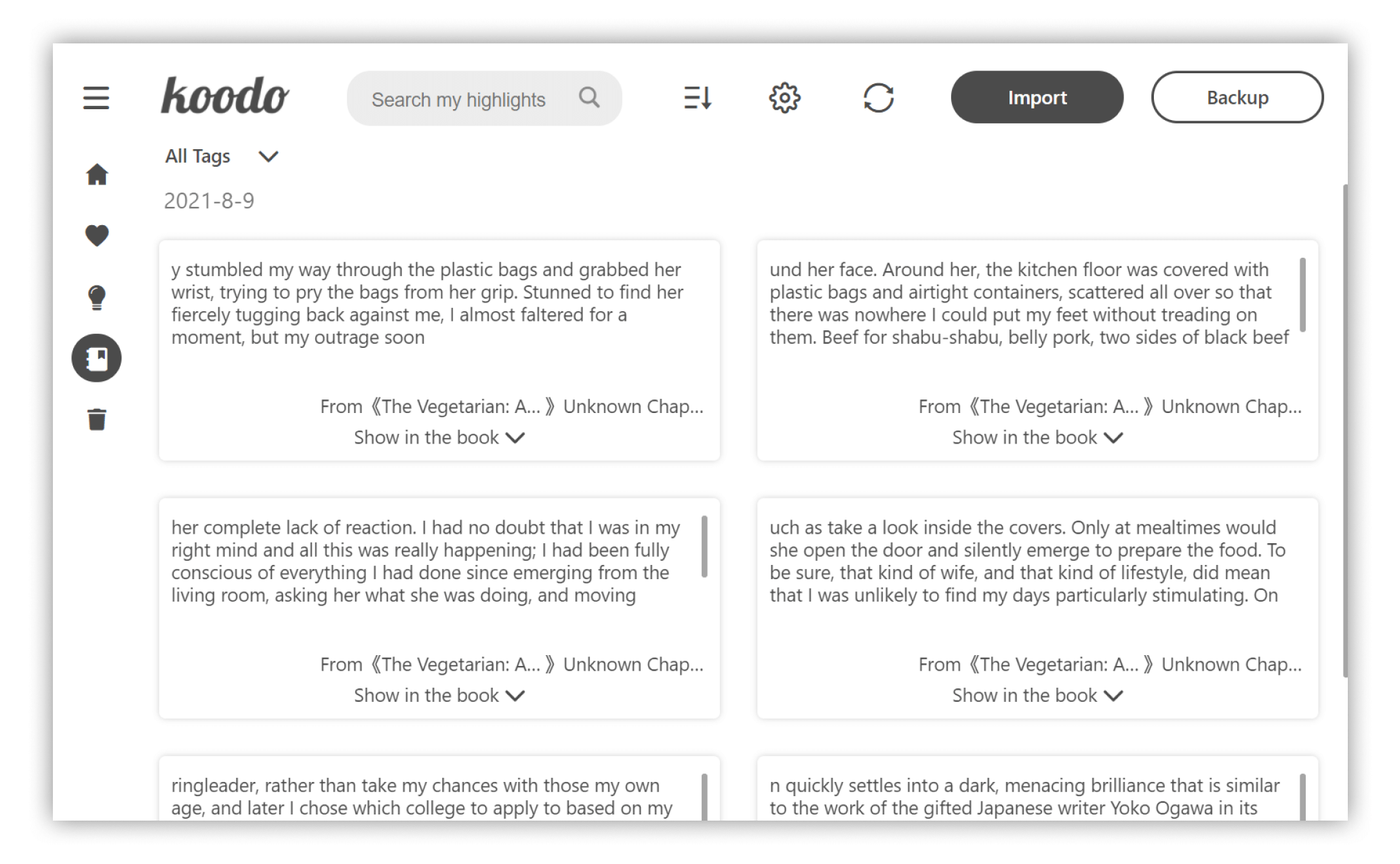
 Note management
## Develop
Make sure node's version on your computer is larger than 10.0.0, yarn and git is in place.
1. Download the repo
```
git clone https://github.com/troyeguo/koodo-reader.git
```
2. Enter desktop mode
```
yarn
yarn dev
```
3. Enter web mode
```
yarn
yarn start
```
## License
This project is generally licensed under AGPL3.0, but any kind of modification of source code for commercial projects or alternation on logo or name are not allowed.